Putting Your LFS Build to Work: A Homelab Operator's Guide to Running Real Services Without the Safety Net
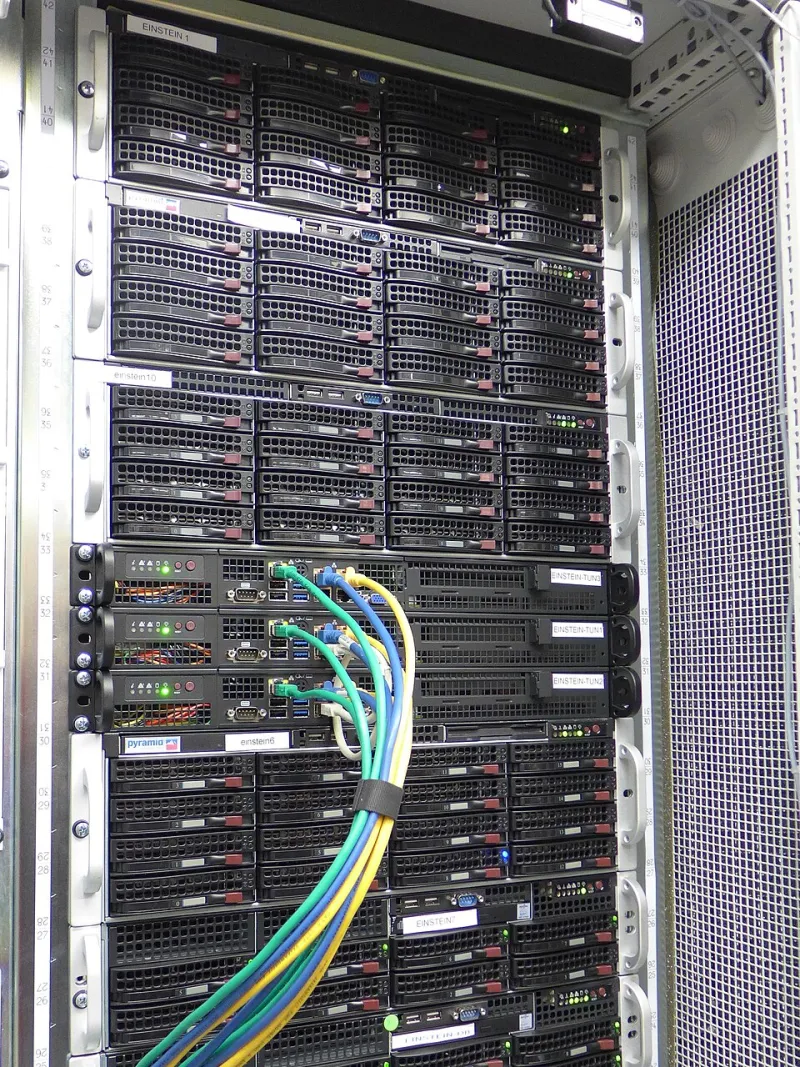
Photo: Ehrobod01, CC BY-SA 4.0, via Wikimedia Commons
At some point, the build is done. The kernel boots. The shell prompt appears. The system is yours in a way that no pre-packaged distribution can match—every binary on disk was compiled by your hands, every configuration file reflects a deliberate choice. And then comes the question that the LFS book does not fully answer: now what?
For a growing number of builders across the United States, the answer is a homelab running real services. Not toy deployments, but actual databases storing meaningful data, web servers handling traffic from outside the local network, and containerized applications managing home automation, media libraries, or small business infrastructure. The leap from a successful build to a stable production environment is significant, and it requires a different set of skills than the build itself.
Setting Expectations Before the First Service Starts
A stripped-down LFS system offers genuine advantages for production workloads: a smaller attack surface, no background services consuming resources for features you never enabled, and a kernel tuned specifically for your hardware. These advantages are real. So are the disadvantages.
When something breaks on a standard distribution, the troubleshooting path is well-documented. Stack Overflow answers assume standard package layouts. Log formats match what monitoring tools expect by default. On a custom LFS system, none of that can be taken for granted. A library installed to a non-standard prefix, a kernel compiled without a module that a service assumes is present, an init script written for systemd running on a system using a different init—these gaps require the operator to have enough system knowledge to diagnose problems without external reference.
This is not an argument against running production services on LFS. It is an argument for knowing your system thoroughly before those services go live.
Monitoring a System That Doesn't Announce Itself
Standard monitoring agents—node_exporter for Prometheus, various syslog shippers, SNMP daemons—are generally available as source packages compatible with LFS. The challenge is integration. Many of these tools assume that certain paths exist, that certain kernel interfaces are compiled in, or that a specific init system is present to manage their lifecycle.
Before deploying any monitoring agent, verify that the following kernel options are enabled in your .config:
CONFIG_PROC_FSandCONFIG_PROC_SYSCTLfor/proc-based metricsCONFIG_CGROUPSand relevant subsystems if you are monitoring containerized workloadsCONFIG_PERF_EVENTSfor performance counter accessCONFIG_NETFILTERand connection tracking modules if network-level metrics matter
Builders who compiled their kernels primarily for boot speed and minimal footprint sometimes omit these options without recognizing their downstream impact on observability tooling. Auditing your .config against the requirements of your monitoring stack before deployment saves considerable frustration.
For alerting, simplicity scales better than sophistication on a homelab. A Prometheus and Alertmanager stack is well-suited to LFS environments because both are distributed as statically linked binaries that carry minimal library dependencies. Configuring alerts for disk pressure, memory exhaustion, and service restarts covers the majority of incidents that homelab operators actually encounter.
Debugging Production Issues on a Lean System
The absence of unnecessary tooling is a feature of LFS until you need to diagnose a problem at two in the morning. Building a minimal debugging toolkit into the system from the start is not a compromise of the LFS philosophy—it is responsible operations practice.
Consider compiling the following into your system before any production services go live:
- strace: Essential for understanding what a misbehaving process is actually doing at the system call level. More useful than log files in a majority of production incidents.
- lsof: Identifies open file handles and network connections per process. Invaluable when a service holds a port open after an apparent crash.
- tcpdump: Network-level visibility that does not require a GUI or a full packet analysis suite.
- gdb: Necessary if you intend to compile any software with debug symbols for post-mortem analysis of crashes.
None of these tools need to be running at all times. They simply need to be present and functional when circumstances require them.
Hardware-Specific Tuning That Actually Changes Outcomes
Homelab hardware varies enormously—older Xeon workstations repurposed from enterprise environments, ARM single-board computers, consumer NAS hardware running custom kernels. The tuning decisions that meaningfully improve stability and performance depend heavily on the specific hardware in use.
For storage-intensive workloads such as databases, the I/O scheduler selection matters more than most kernel parameters. The mq-deadline scheduler performs well for SSDs under database write patterns. For rotational media, bfq provides better latency characteristics under mixed read-write loads. These are set per-device in /sys/block/[device]/queue/scheduler and can be made persistent through a udev rule or an init script.
Memory overcommit behavior deserves attention on systems running multiple services. Setting /proc/sys/vm/overcommit_memory to 2 and tuning /proc/sys/vm/overcommit_ratio to a value appropriate for your workload prevents the OOM killer from terminating critical services under memory pressure—a scenario that catches homelab operators by surprise when it first occurs.
For network-facing services on systems with modern NICs, enabling receive-side scaling (RSS) and interrupt affinity tuning can meaningfully reduce latency under load. These optimizations require both kernel support—CONFIG_RPS and related options—and runtime configuration via /sys/class/net.
Lessons from Builders Who've Done It
Readers who have run LFS-based systems in homelab and small infrastructure environments share a consistent set of hard-won observations.
First, snapshots are not optional. Whether implemented through LVM thin provisioning, Btrfs subvolumes, or ZFS—all of which can be compiled into an LFS system—the ability to roll back a failed update or configuration change is the single most important operational safety net available. Builders who learned this lesson the hard way did so after a library upgrade rendered a service unbootable with no fast recovery path.
Second, change management discipline matters even in a homelab context. Keeping a simple log of what was changed, when, and why transforms a mystery outage into a tractable debugging problem. A plaintext file in /root is sufficient. The format is irrelevant; the habit is everything.
Third, the LFS community is a genuine resource. The mailing lists and forums contain accumulated knowledge from builders who have encountered most of the production scenarios a homelab operator is likely to face. Searching those archives before opening a new thread frequently surfaces a solution that took someone else considerable effort to discover.
The Homelab as a Long-Term Investment
Running production services on a custom LFS system is not the easiest path to a functional homelab. Simpler options exist. But for builders who have invested the time to understand their system at a source-code level, operating real workloads on that system is the natural next chapter—a way to validate that the knowledge gained during the build translates into genuine operational capability.
The sleepless nights, when they come, are part of that education. The goal is to minimize them through preparation, not to avoid the experience entirely.