Resurrect the Machines in Your Closet: Turning a Retired Laptop into a Full LFS Build Lab
Every hardware enthusiast in the United States owns at least one retired laptop — the ThinkPad T420 replaced by a new workstation, the Dell Latitude handed down when the office refreshed its fleet. These machines typically end up in closets, attics, or the growing pile of electronics destined for the county recycling event. Yet for the aspiring LFS builder, a decade-old laptop is not obsolete hardware. It is a complete, self-contained laboratory that costs nothing to acquire and teaches more per hour of use than any virtual machine ever will.
Why a Physical Machine Beats a VM for Your First Build
Virtualization is convenient, but it insulates you from the realities of building a system from source. A physical laptop forces you to contend with real partition tables, real firmware behavior, and the genuine consequence of a botted bootloader. When your hand-compiled kernel fails to boot on bare metal, you learn debugging skills that no sandboxed environment can replicate.
There is also a practical advantage: an old laptop is disposable. If you corrupt the disk beyond recovery — and sooner or later, you will — nothing of value is lost. That psychological freedom encourages experimentation, which is the entire point of Linux From Scratch.
Selecting the Right Candidate
Not every old laptop is a good candidate. Look for these minimum characteristics:
- A 64-bit processor from the Sandy Bridge generation (2011) or later. The x86-64 toolchain in current LFS versions assumes 64-bit capability, and older Core 2 era chips, while workable, slow the temporary toolchain build considerably.
- At least 8 GB of RAM. Compilation of the temporary tools and glibc is memory-hungry. Four gigabytes will work with reduced parallelism, but 8 GB lets you run
make -j4without thrashing. - A solid-state drive, even a small one. A 128 GB SATA SSD, available used for under twenty dollars, transforms the build experience. Compiling on a failing spinning disk is an exercise in patience that teaches you nothing new.
- Working Ethernet. You will download roughly 400–500 MB of source packages, and a wired connection avoids wrestling with Wi-Fi firmware before you have a functional system.
ThinkPads of the T-series and Dell Latitudes of the 5000 and 7000 lines are especially well suited because their documentation is thorough, replacement parts remain inexpensive on the secondhand market, and their Linux hardware support is excellent.
Preparing the Hardware
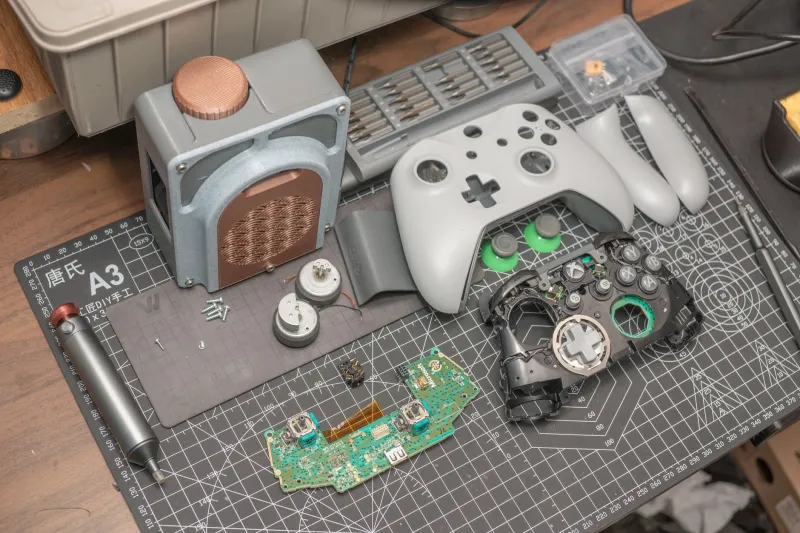
Before touching the LFS book, spend an afternoon on hardware triage. Replace the thermal compound on the CPU — ten-year-old paste has long since hardened, and sustained compilation loads will throttle an overheated chip. Pull the battery and check for swelling; a swollen lithium-ion pack is a genuine fire hazard and should be disposed of properly at a battery drop-off site rather than left installed.
If the machine has both an HDD and an optical bay, consider a caddy adapter to add a second drive. This lets you keep a known-good host distribution, such as Debian or Fedora, on one disk and dedicate the other entirely to your LFS partitions.
Choosing the Host Distribution
The LFS book requires a host system with a reasonably current compiler, shell utilities, and a handful of development libraries. On aging hardware, a lightweight host distro pays dividends. Debian with the Xfce desktop, or even a minimal netinstall with no desktop at all, leaves maximum RAM for compilation. Avoid heavyweight hosts; every megabyte consumed by the desktop environment is a megabyte unavailable to ld and gcc.
Realistic Build Time Expectations
Set expectations honestly. On a modern desktop, the full LFS build, including the temporary toolchain pass, might take under an hour with high parallelism. On a quad-core laptop from 2012, plan for the following:
- Temporary toolchain (Chapter 5 through Chapter 6 groundwork): 3 to 5 hours
- Base system packages: 4 to 7 hours
- Kernel compilation: 30 to 90 minutes depending on configuration breadth
Run the build overnight. The SBU (Standard Build Unit) measurements in the book, calibrated against a reference machine, will let you estimate each package's duration, and a screen or tmux session protects your progress against an accidental SSH disconnect.
Hardware Quirks You Will Encounter
Older laptops bring specific wrinkles. Broadcom Wi-Fi chipsets often require proprietary firmware that the LFS book does not cover; plan to extract the firmware blobs from your host distribution and install them manually, or simply remain wired for the duration. Some BIOSes from this era struggle to boot from GPT disks without a BIOS boot partition — either add one or use an MBR layout, which is perfectly adequate for a learning machine.
Fan control can also be an issue. Without a proper ACPI configuration in your hand-built kernel, the machine may run silently hot. Study the kernel's ACPI options during make menuconfig, and consider enabling the thinkpad_acpi driver if your hardware supports it.
From E-Waste to Education
Beyond the technical skills, there is a satisfaction specific to this exercise. A machine that the market values at effectively zero becomes, through your own compilation, a functional and deeply understood operating system. In a consumer culture that defaults to replacement, the LFS approach argues for comprehension over obsolescence.
Pull that laptop out of the drawer. Wipe the dust from the heatsink, download the book, and start with Chapter 2. The machine has been waiting — and so has the education.


