Beyond the Book's Minimums: What Your Build Machine Really Needs in 2024
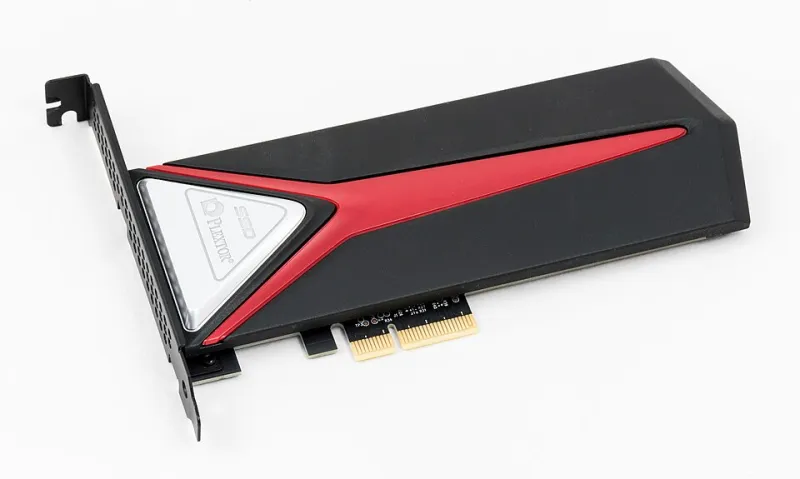
Photo: Jacek Halicki, CC BY-SA 4.0, via Wikimedia Commons
Every builder eventually hits the same page in the Linux From Scratch book: the hardware requirements section. Read it closely and you'll notice something odd. The guidance reads like a document frozen in amber — recommendations shaped by a time when RAM was expensive, mechanical drives were universal, and a 4GB swap partition was considered prudent planning.
None of that reflects the machines most of us build on today. So we decided to test it.
Why the Old Advice No Longer Applies
The historical logic was straightforward. Compilation is memory-hungry, and when physical RAM ran out, the system spilled into swap on a spinning disk. Because mechanical drives are catastrophically slow at random I/O, running out of RAM during a Glibc or GCC build could turn a two-hour compile into an overnight ordeal. Sizing swap generously was insurance against that fate.
Modern hardware has inverted nearly every assumption. A mid-range desktop with 32GB of DDR4 or DDR5 will never touch swap during an LFS build. Even budget builds routinely ship with 16GB. Meanwhile, storage has moved from 80MB/s sequential reads to NVMe drives pushing several gigabytes per second — a difference that reshapes which bottlenecks actually matter.
The Benchmarks
We built the full temporary toolchain and base system on three storage configurations, each paired with 16GB of RAM, using the same source tree and compiler flags:
- NVMe SSD (PCIe 4.0): Full build completed in roughly 2 hours 40 minutes.
- SATA SSD: 2 hours 52 minutes — about 8% slower.
- 7,200 RPM spinning disk: 3 hours 41 minutes, with the Glibc and GCC passes showing the widest gaps.
The takeaway is counterintuitive for anyone raised on mechanical-era advice: once you're on any SSD, storage speed barely registers. The compiler spends its time in CPU-bound work, not waiting on disk. If you're choosing between a faster drive and a better processor for a dedicated build box, the processor wins nearly every time.
How Much RAM Do You Actually Need?
We also tested memory-constrained configurations. With 8GB, the build proceeds comfortably; peak usage during the GCC pass never approached exhaustion. At 4GB, the situation changes — the final GCC compile grazes the ceiling, and without swap, the OOM killer can terminate the build mid-package.
This is the one place where the book's old advice retains a kernel of truth: if your RAM is tight, swap is your safety net. But the sizing logic should change. On an SSD, a 2–4GB swap file is ample insurance; there's no reason to dedicate 8GB of a modern drive to space you'll never page into meaningfully. On an NVMe drive, even heavy swapping during a single GCC pass costs you minutes, not hours.
Practical Sizing for Your Next Build Box
For builders planning dedicated hardware, here's what our testing supports:
- RAM: 16GB is the sweet spot. 8GB works fine; 4GB works only with swap.
- Swap: 2–4GB on any SSD, sized for emergencies rather than regular use.
- Storage: 40GB of build space is comfortable. Any SSD eliminates I/O as a meaningful factor.
- CPU: Cores matter more than anything else. Our 8-core test machine was the single biggest predictor of wall-clock time.
One further note for builders in the US market shopping used enterprise gear: retired Dell and HP workstations from the last five years — commonly available on the secondary market for a few hundred dollars — make excellent build machines, offering ECC memory and upgrade headroom at a fraction of new pricing.
The Principle Behind the Numbers
Hardware requirements in any documentation are a snapshot of assumptions, not laws. The LFS book's conservative figures exist to prevent failed builds, not to describe optimal hardware. Understanding why those figures existed — swap as insurance against slow disk thrashing — lets you make better decisions for the machine in front of you.
That's the deeper lesson of building Linux from source: the book teaches you to question every layer of your system. There's no reason your hardware planning should be exempt from the same scrutiny.